 Luneki
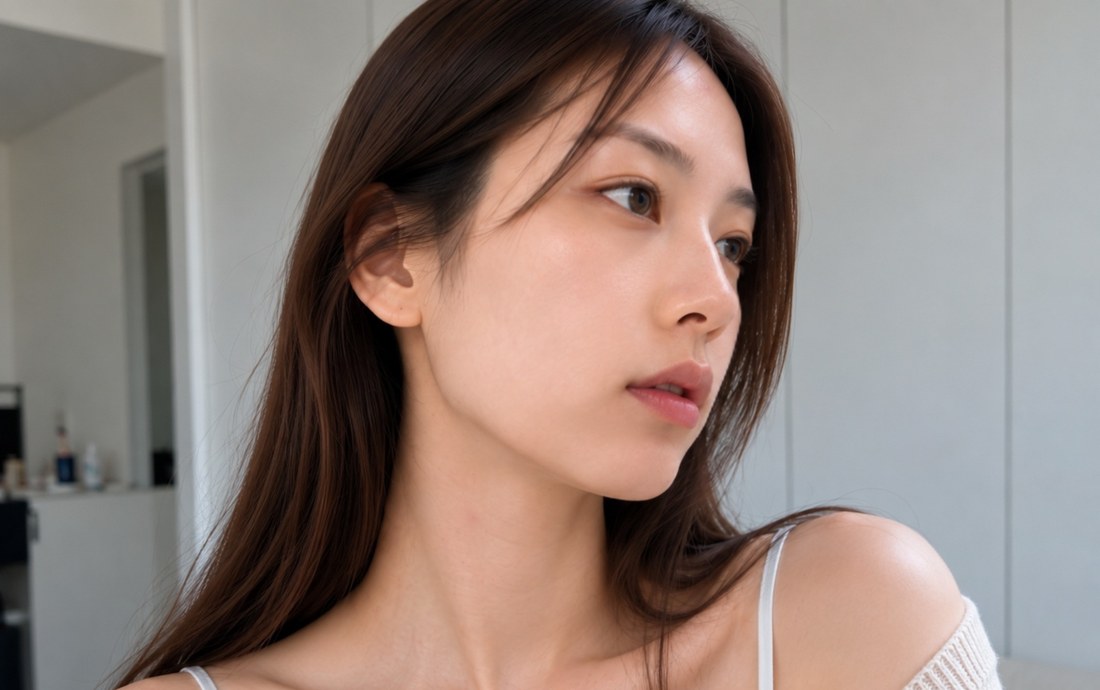
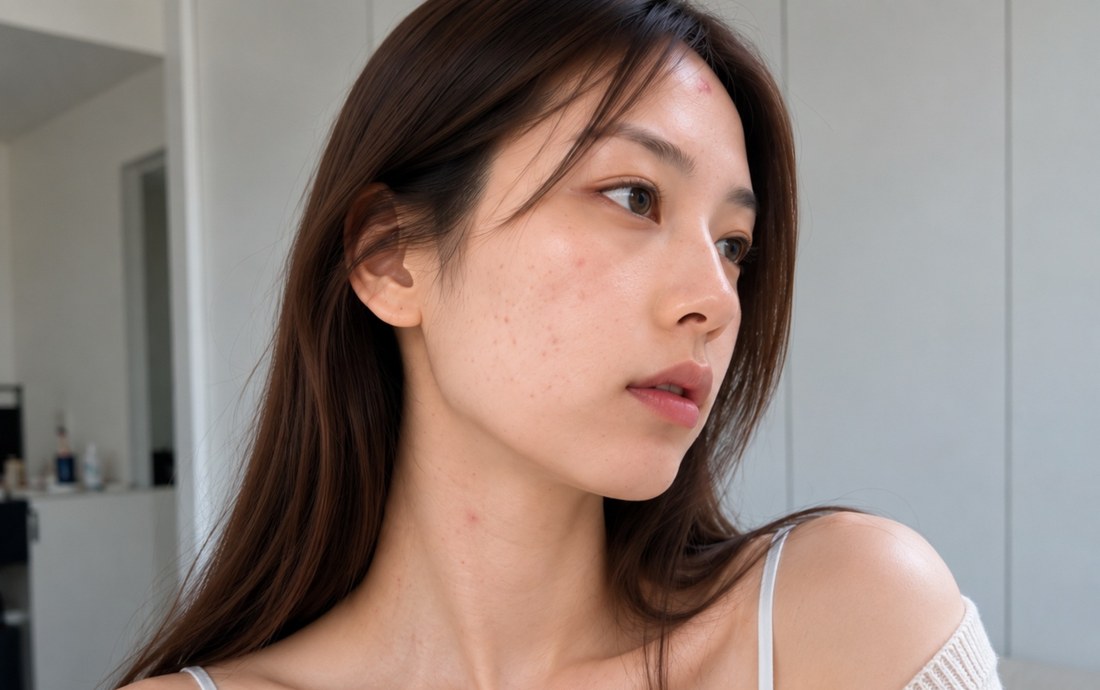
One-tap blemish fix — no spot-by-spot tapping
Deep Retouch finds acne and red marks on the face, neck and chest and clears them at once, keeping pores and skin texture.
Luneki brings desktop-class editing to iPhone: AI noise reduction, multi-photo stacking, sky tools, curves, skin retouching and makeup — all processed on your device. Your photos never leave your phone.
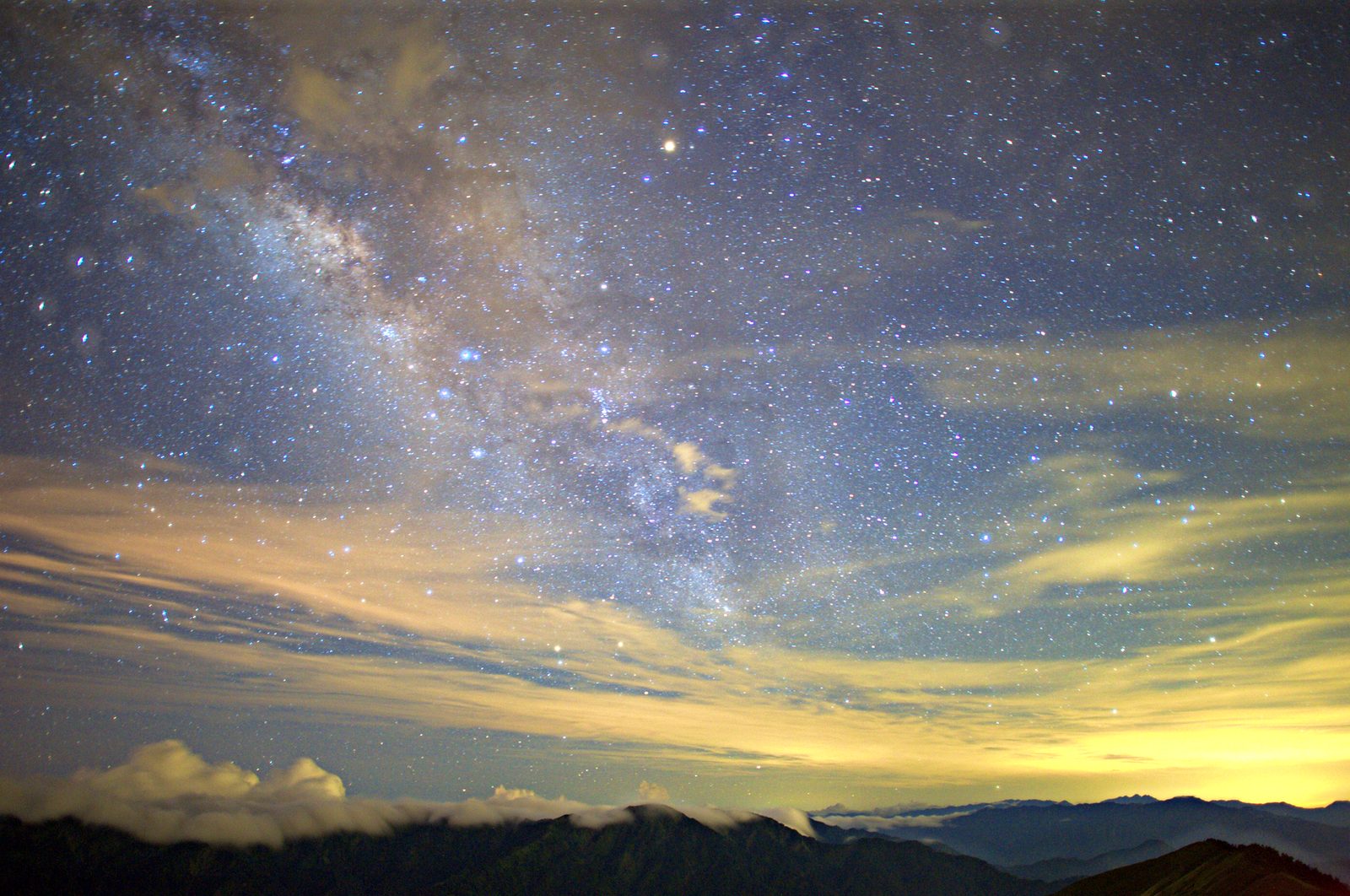
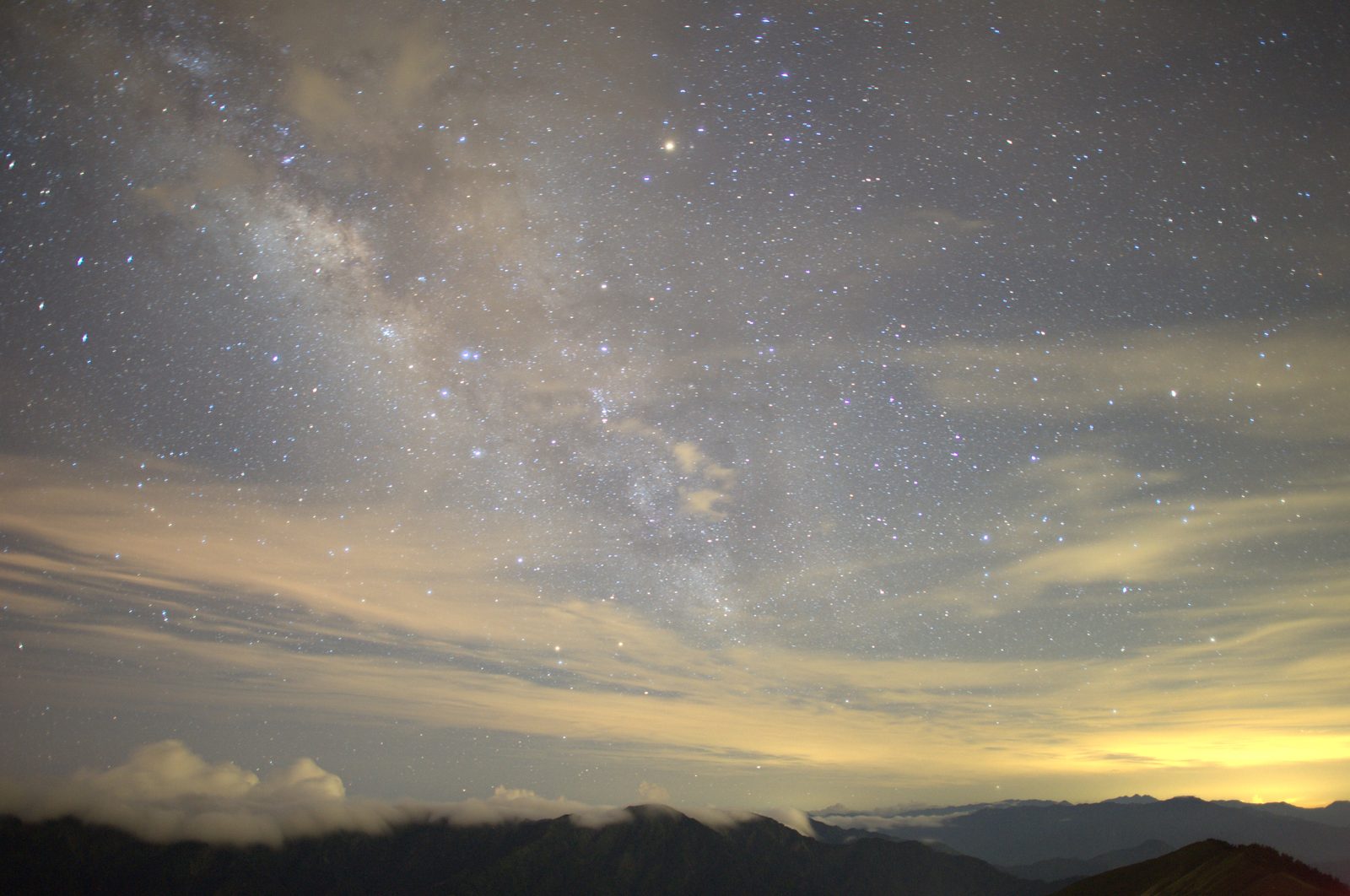
High-ISO Milky Way shots are often buried under light pollution and thin haze. Dehaze restores depth, Clarity brings out the galactic core, and a cooler white balance returns the sky to deep blue.
Every image below was rendered by Luneki itself — no other software involved. Drag the handle left and right to compare.


The Sky tool detects the sky automatically and paints only the sky with a violet afterglow — the docks, boats and lights stay untouched. Then the Lens tool turns the lights into 8-point starbursts.


The longer the show runs, the more smoke hides the bursts. Remove Smoke subtracts the large, smooth smoke layer while keeping every fine spark — and only touches the sky, so buildings and lights stay as they are.


Four fireworks shots from the same tripod spot are merged in Stack's Fireworks mode — which stacks the smoke too. Add Remove Smoke and the sky turns clean black, with every burst blooming at once.
Retouching, makeup, face shape and hair color — all on your device, and every step stays adjustable. Drag the handle to compare.
Deep Retouch finds acne and red marks on the face, neck and chest and clears them at once, keeping pores and skin texture.
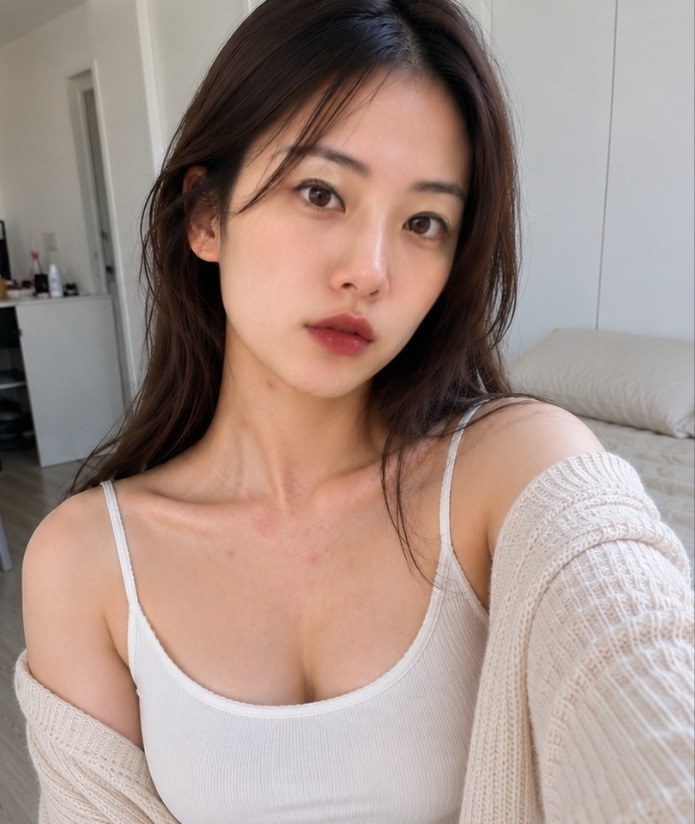
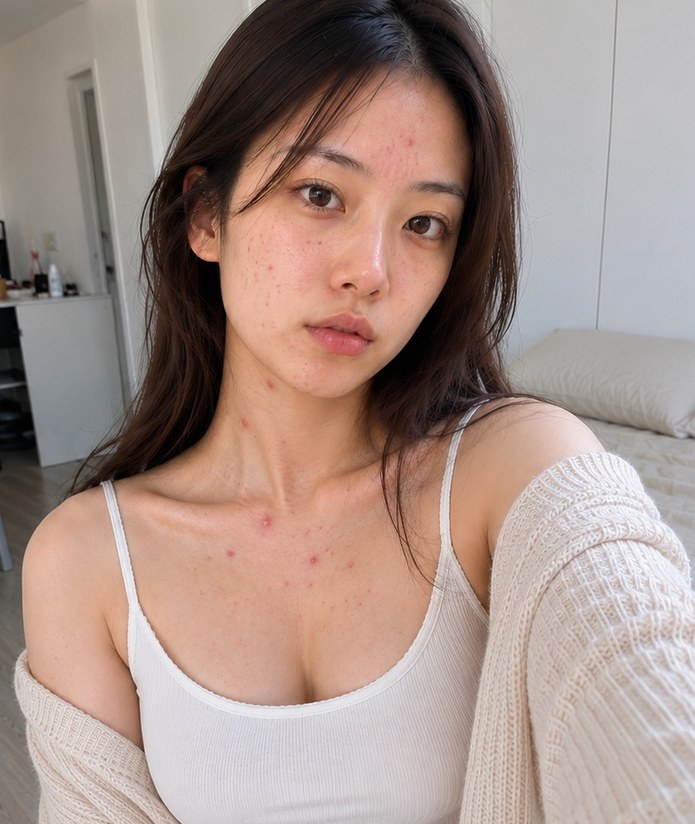
Clear the blemishes, then add a natural earth-tone look — warm brown shadow, terracotta blush, MLBB brick-rose lips — every part adjustable.
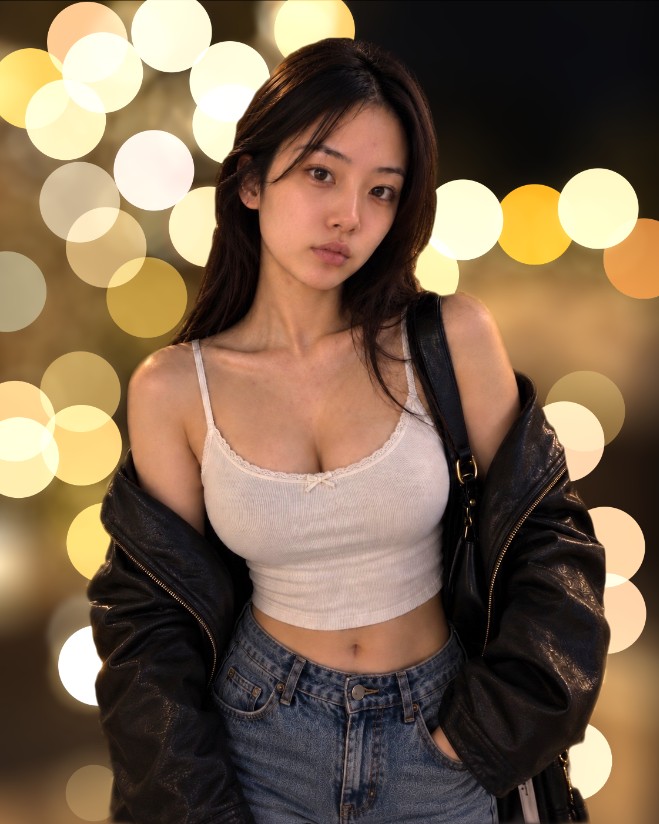
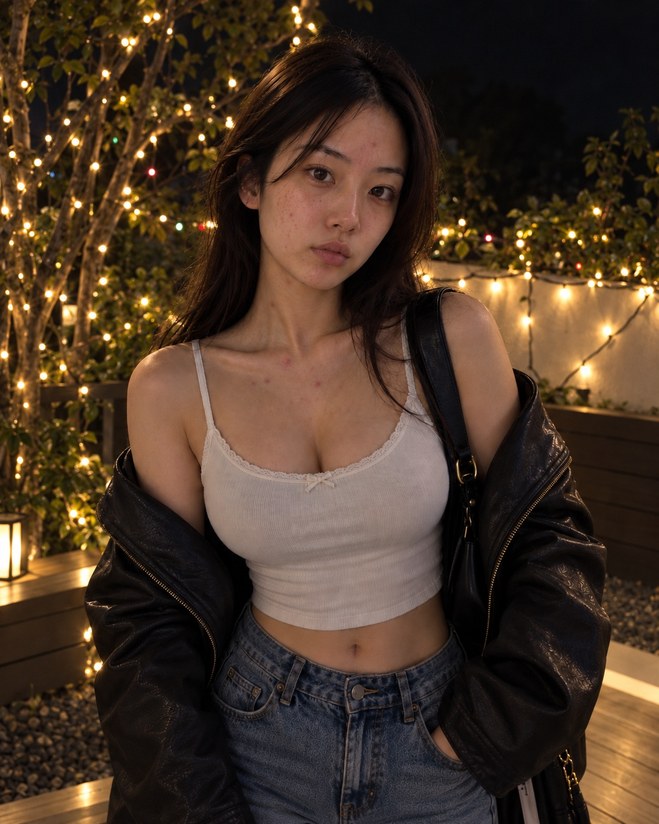
A dim night portrait: Brighten Subject lifts only the person and leaves the night background as it was; Deep Retouch clears acne while keeping pores and skin texture; Background Blur mimics a wide-aperture lens and turns city lights into round bokeh. Aperture (blur amount), bokeh brightness, bokeh size, softness (from crisp, bright edges to a creamy melt) and bokeh shape (circle, hexagon or octagon, plus cat's-eye bokeh toward the frame edges) are all adjustable on their own — and the person and every strand of hair are detected automatically.
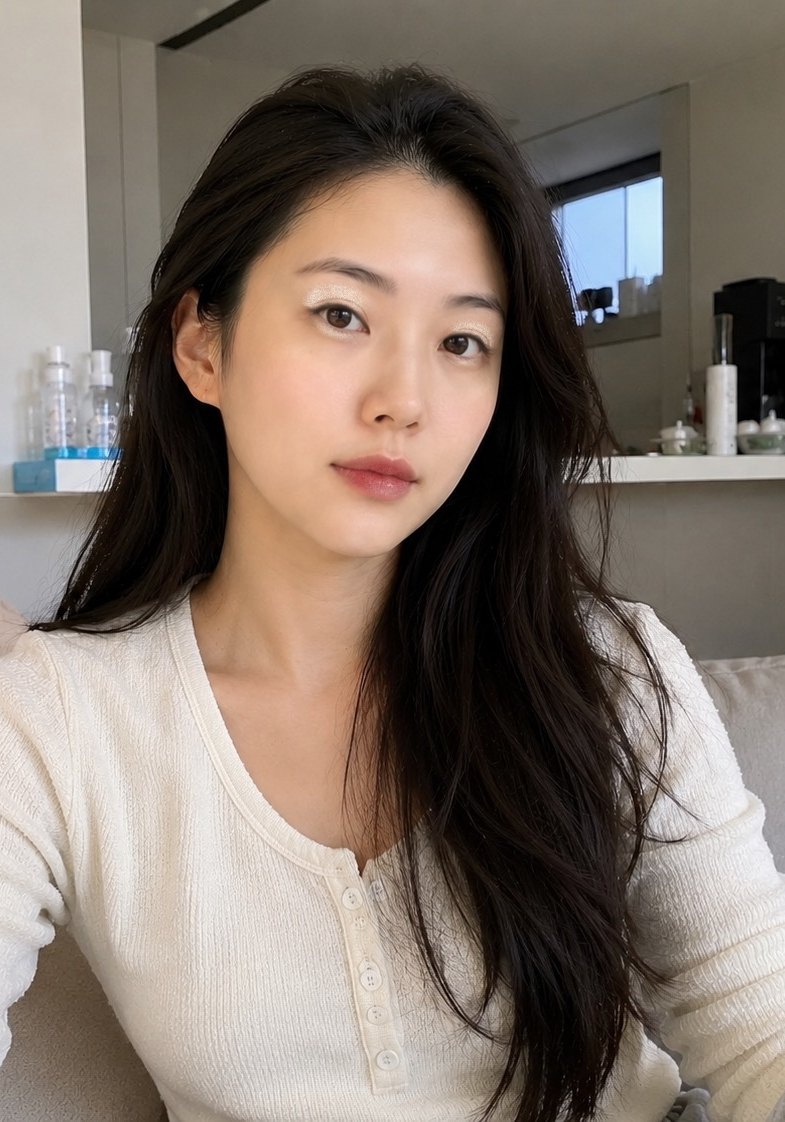
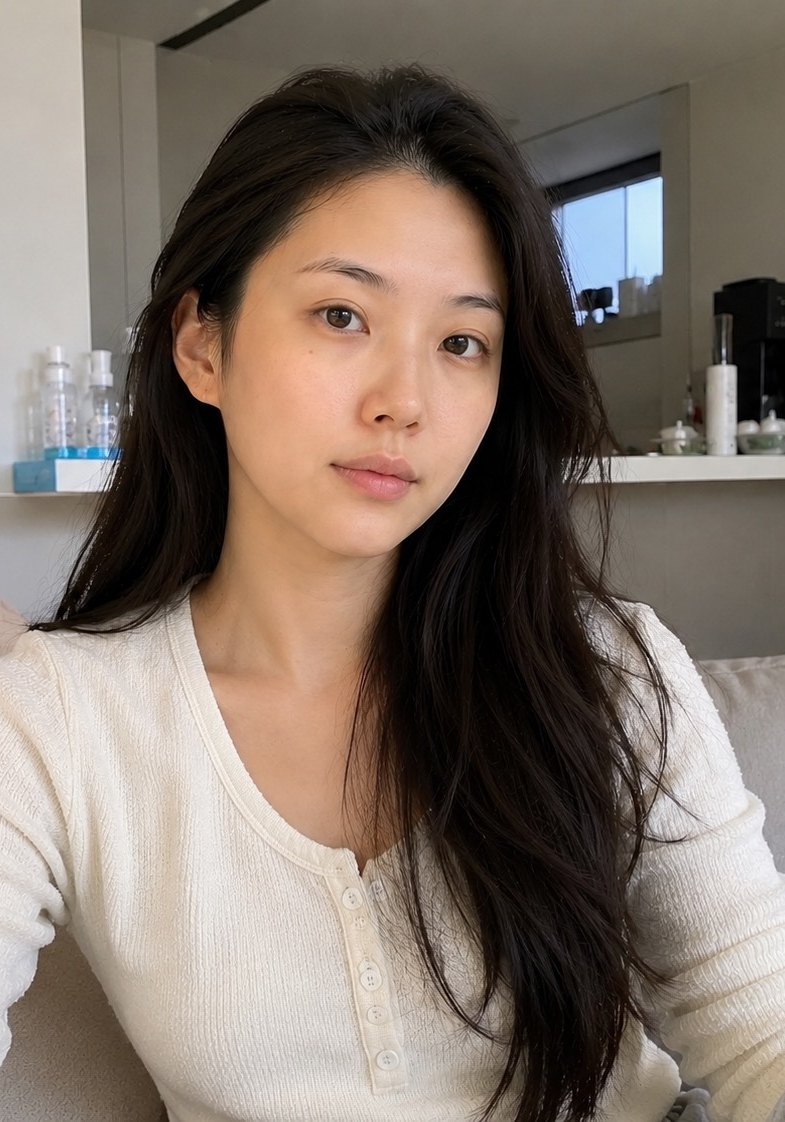
Eyeshadow, shimmer, lashes and lip color follow your features; all 22 areas can be fine-tuned.
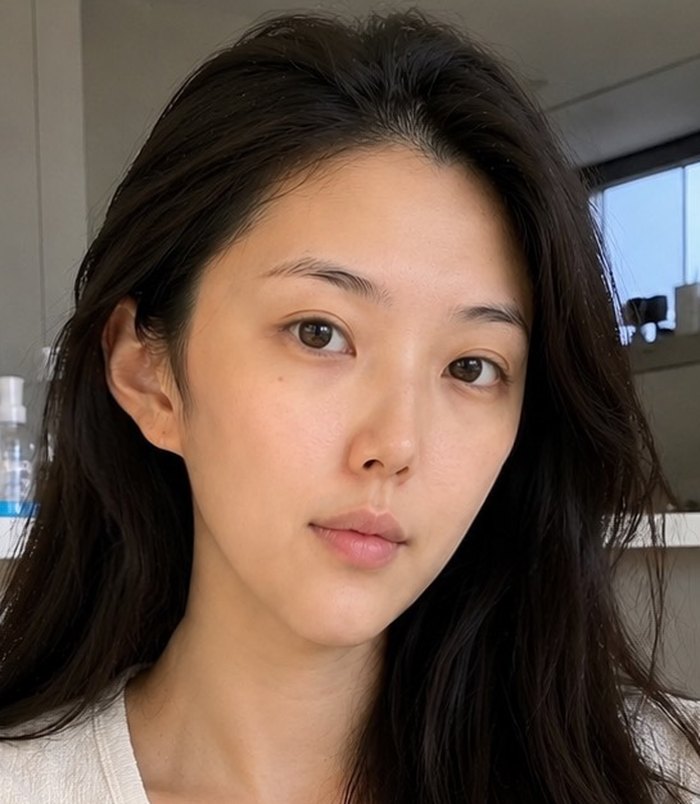
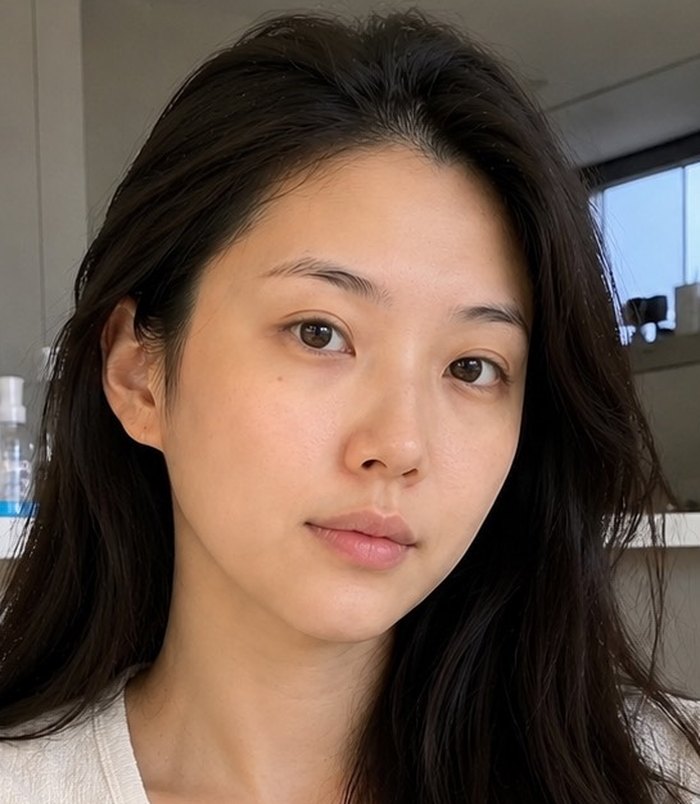
Adjusts along real contours for natural proportions, without warping the background.
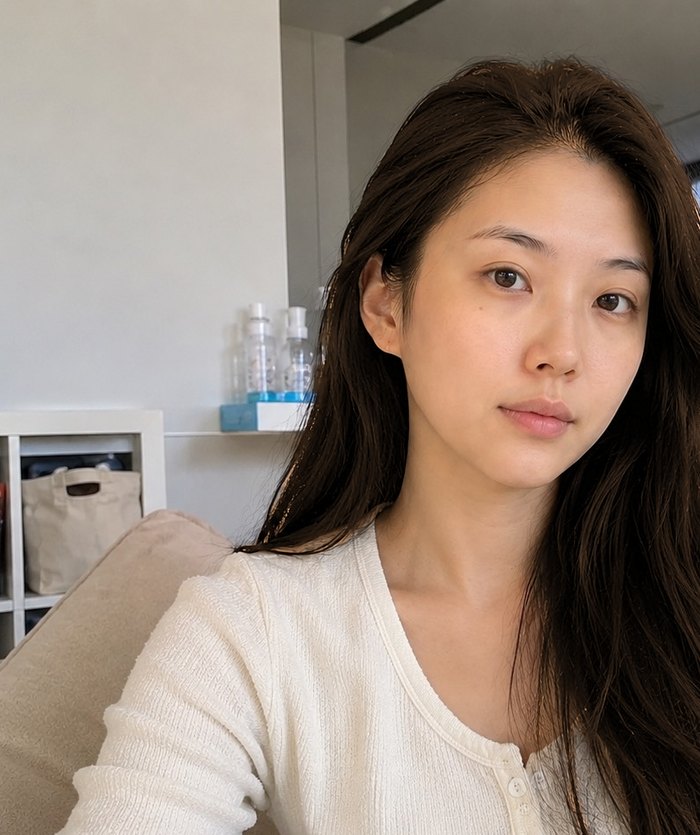
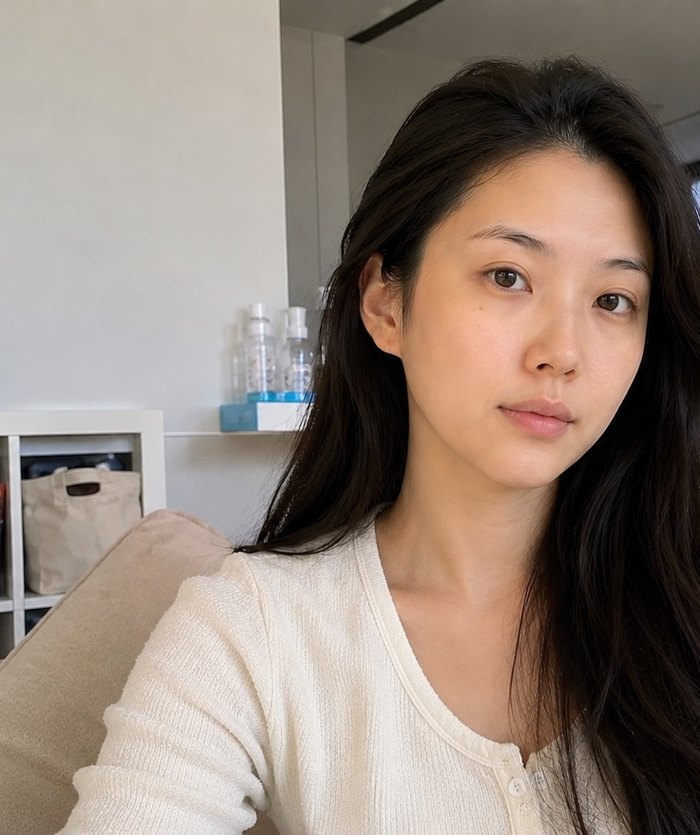
AI finds the hair and changes only its color, keeping the light and shine of each strand.
The portrait sample photo is AI-generated.
22 areas, each with its own intensity slider and color swatches, following 478 facial landmarks — even the far eye in a side view is handled automatically.
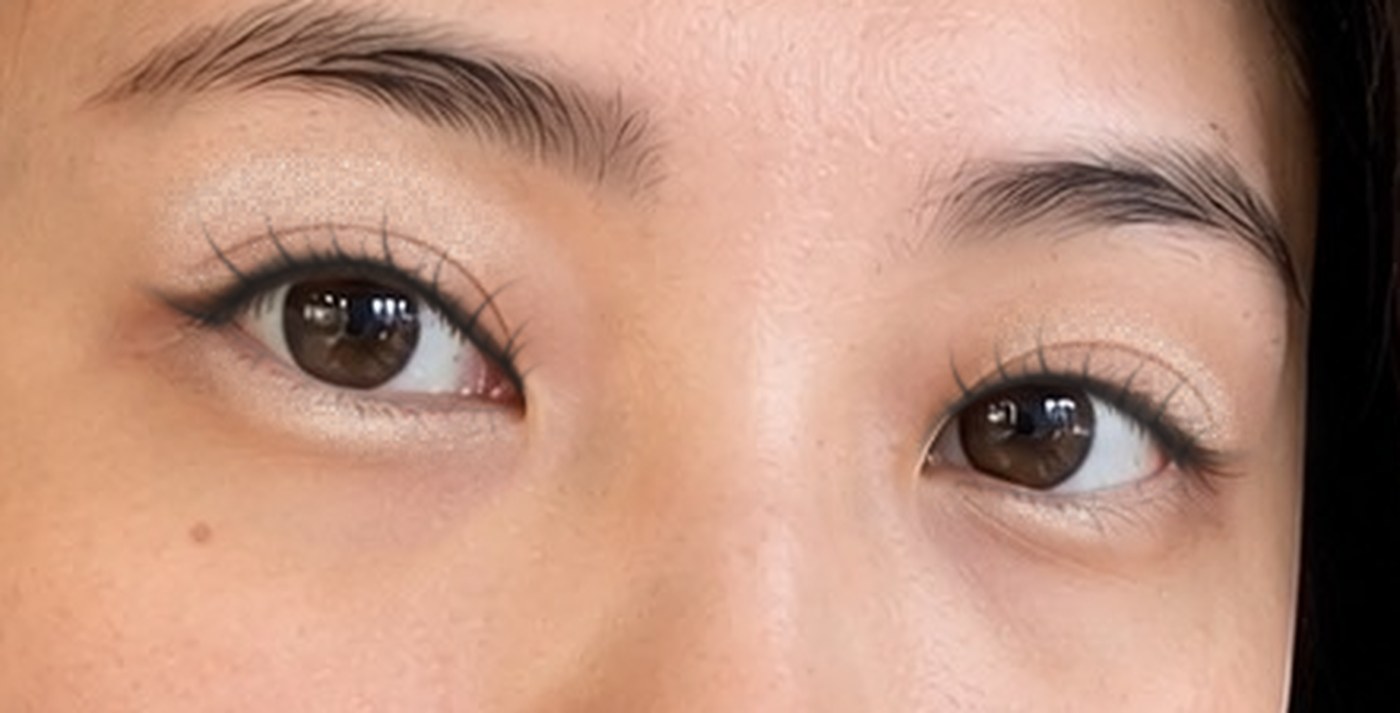
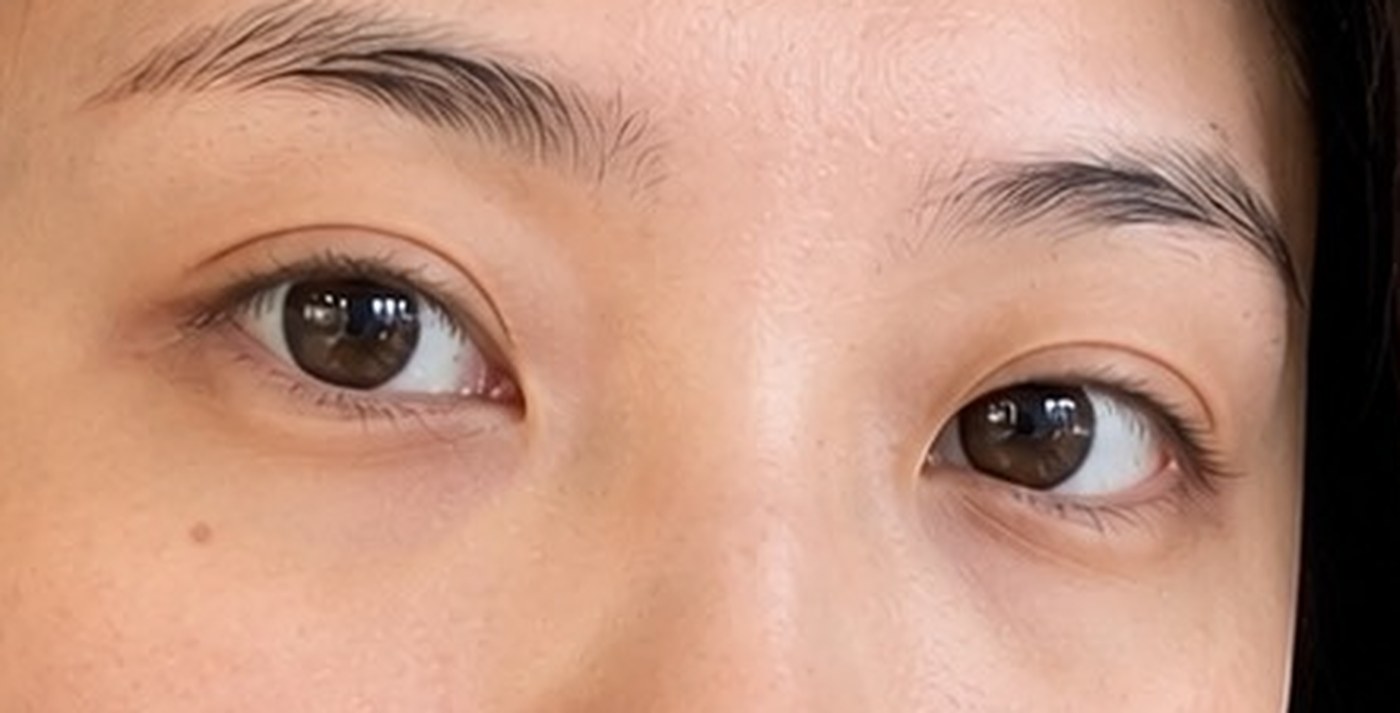
Eyeshadow and glitter follow the lid and stay off the eyeball; eyeliner traces the lash line into a wing; false lashes grow strand by strand from the lash roots, plus under-eye puff. In side views, the far eye is handled automatically.
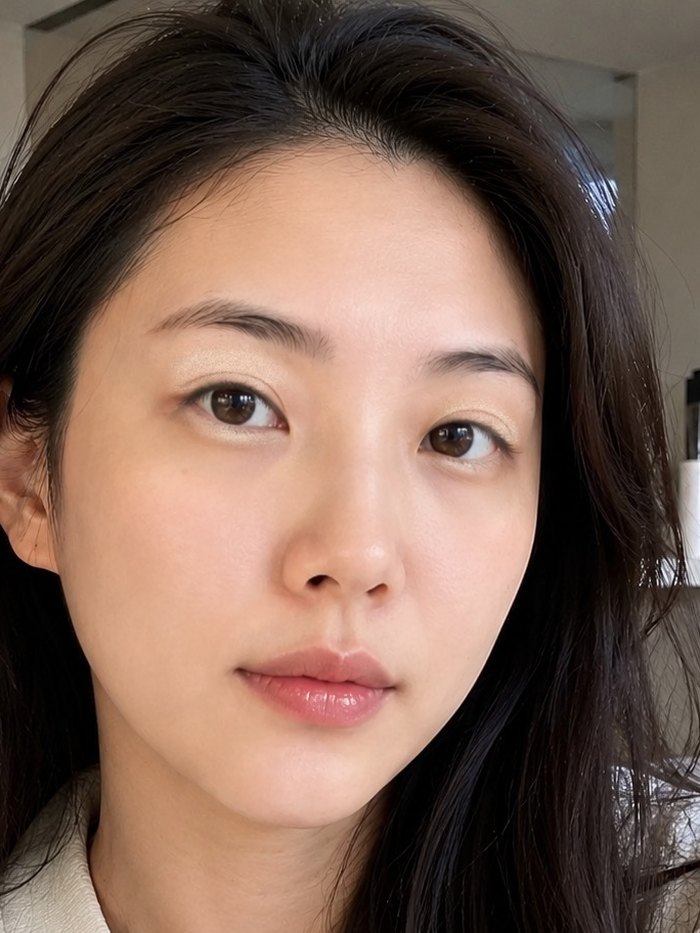
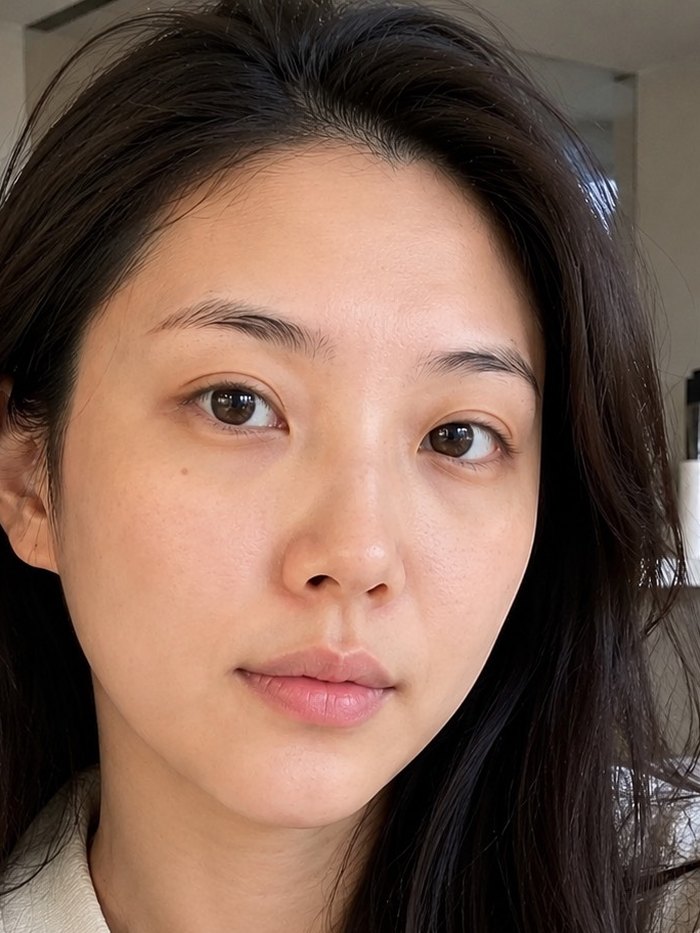
Light base, champagne shimmer, peach eyeshadow and glossy nude-pink lips.
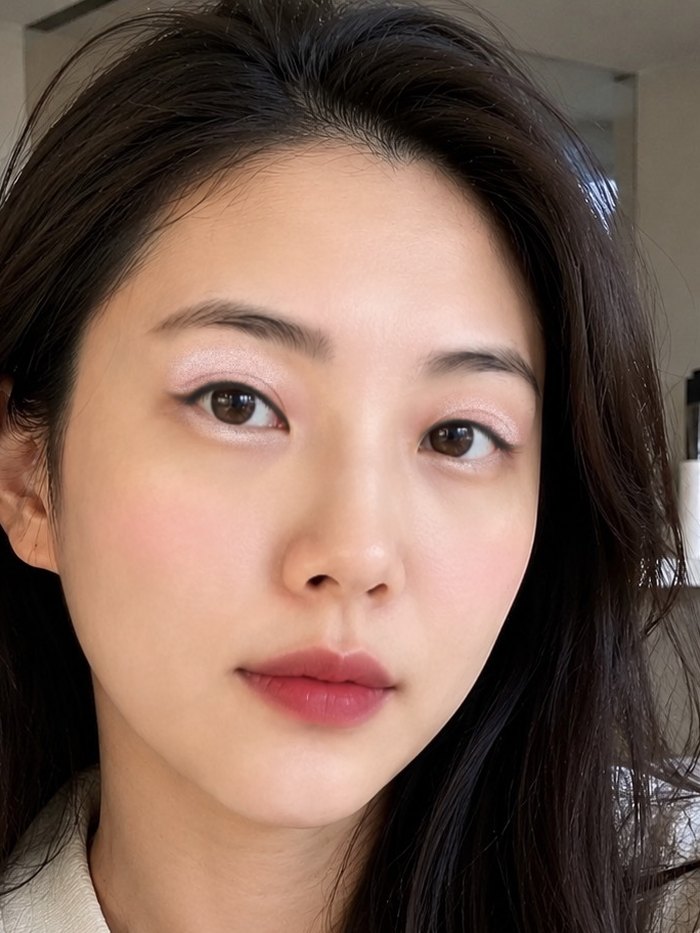
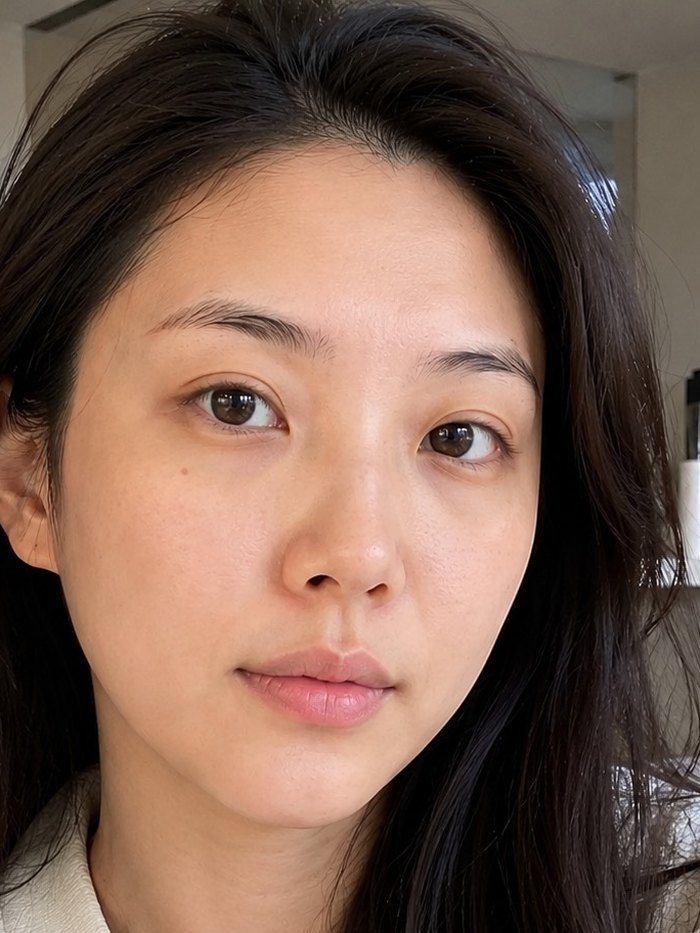
A full rose-pink look: eyeliner, lashes, sculpted contour and saturated lips.
Save a look you love and use it on the next photo — or the next hundred.




Makeup (Light Makeup, Glam Makeup, K-Glow, J-Sweet) and Scene (Night, Golden Hour, Sunny, Starry) — apply with one tap, then fine-tune every step.
Once a photo looks right, use Save Preset and apply it to other photos in one tap (3 on the free version, unlimited with PRO).
Copy a whole edit to another photo, or select several in Manage and paste to all of them at once.
Export every selected photo at once, with format and size set in one place.
Register people you photograph often; new photos recognize them and offer to apply their own skin and makeup settings.
Save distortion and vignette correction for your lens, and it applies automatically to RAW files shot with that lens.
Every tool a photographer needs — and every step can be revisited.
Every AI feature runs on your device using models built into the app. No account, no uploads, no tracking — it even works fully in Airplane Mode.
Luneki is a one-time purchase. Use every editing tool for free, and if you love it, buy PRO once and keep it forever.
Not a subscription — no monthly charges. On a new phone, use Restore Purchases with the same Apple ID.
No. Everything is processed on your device; the app has no upload feature.
No. Editing is non-destructive; exporting saves a new photo.
iPhone and iPad. AI features run faster on newer models.
Import photos from your library and camera RAW files; export to JPEG, HEIC, PNG or TIFF, optionally keeping EXIF and the color profile.
No. Buy PRO once and keep it forever.